
Core ZMP | Asset Library - Figma Plugin
|
|---|
|
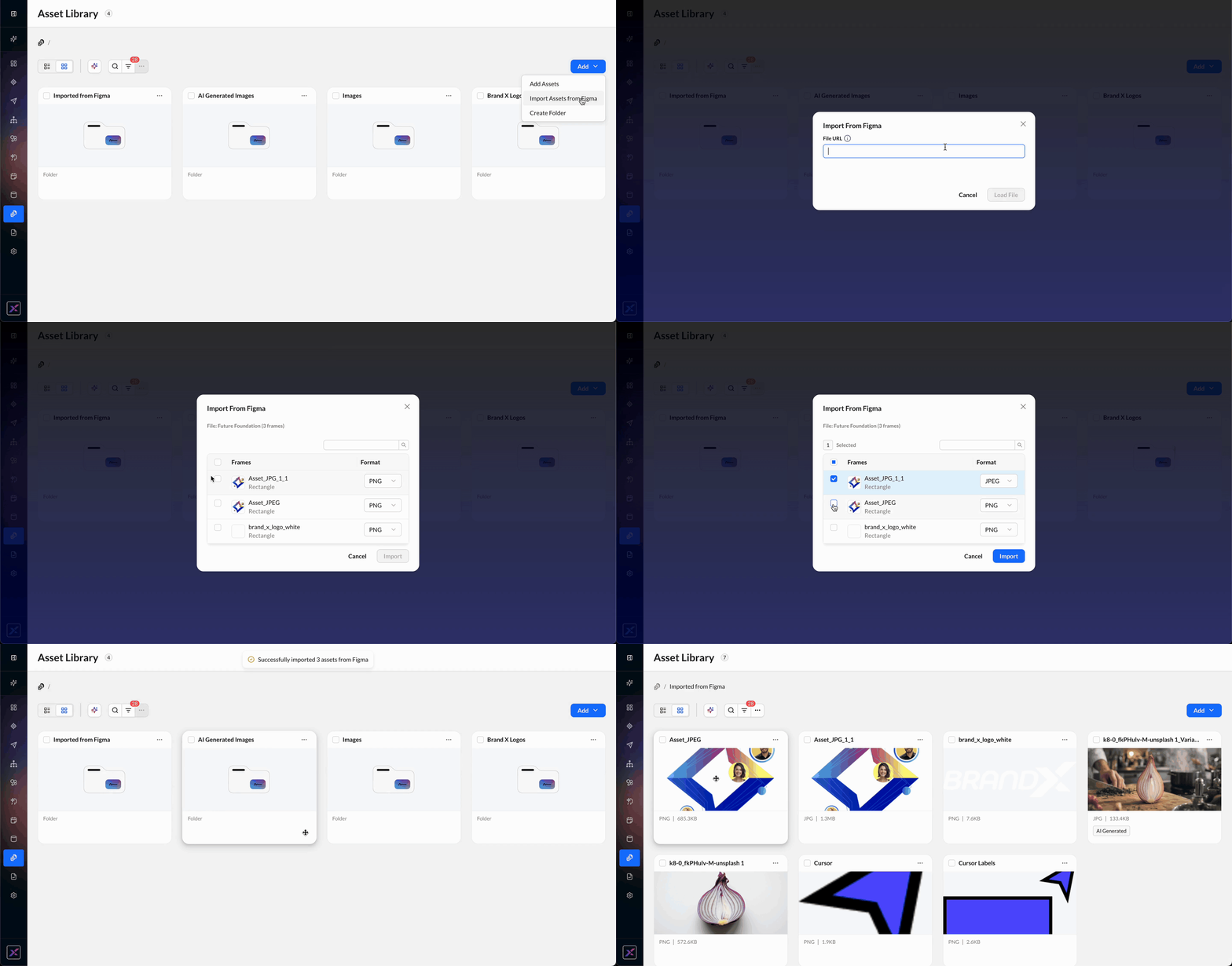
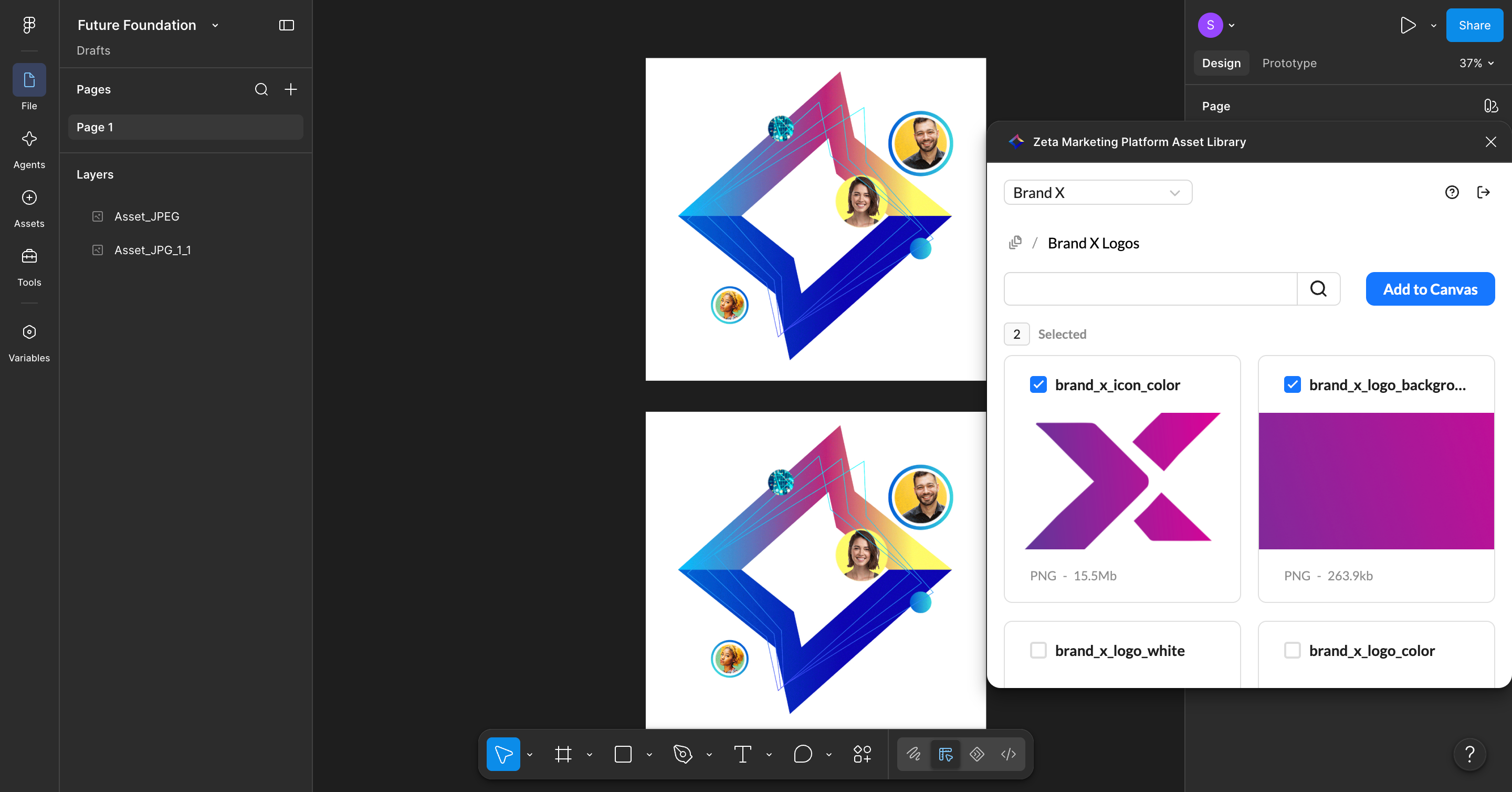
Accelerate Creative Production with Figma Integration and AI-Powered Variants The Zeta Marketing Platform’s Asset Library now connects directly to your Figma workflow and introduces AI-powered creative variant generation, helping teams move from design to production-ready creative with fewer manual handoffs. Together, these capabilities make it easier to work across design and campaign workflows while keeping Asset Library as the central source for approved creative. With these updates, you can:
These enhancements help teams reduce manual handoffs, create more variations from approved creative, and maintain a consistent workflow from design through campaign activation. These capabilities will be enabled for accounts on a rolling basis between Aug. 27 and Sept. 3. |
|
Learn More: Asset Library |
|
|
Product Module: CORE_ZMP |
Insights Studio | Add Campaign Skips Metric and Skip Reason Dimension
|
|---|
|
Improve Campaign Delivery with New Skip Reporting in Insights Studio Understanding why campaign messages are skipped is critical to identifying delivery gaps and improving performance. Insights Studio now provides campaign skip reporting, giving marketers and analysts self-service visibility into both the total number of skipped messages and the reasons those skips occurred. With skip metrics and reason-level reporting, teams can quickly identify issues related to frequency settings, invalid or missing contact information, coupon allocation, custom skip logic, or content feed errors without relying on ad hoc data requests. With this update, you can:
|
|
Learn More: Metrics & Dimensions Dictionary |
|
Product Module: INSIGHTS_STUDIO |