

Sentiment Audiences reach people based on the sentiment of the content they were exposed to, not their declared opinion.
Navigation
Within the Audience Explorer, select Prospect Segments > Sentiment.
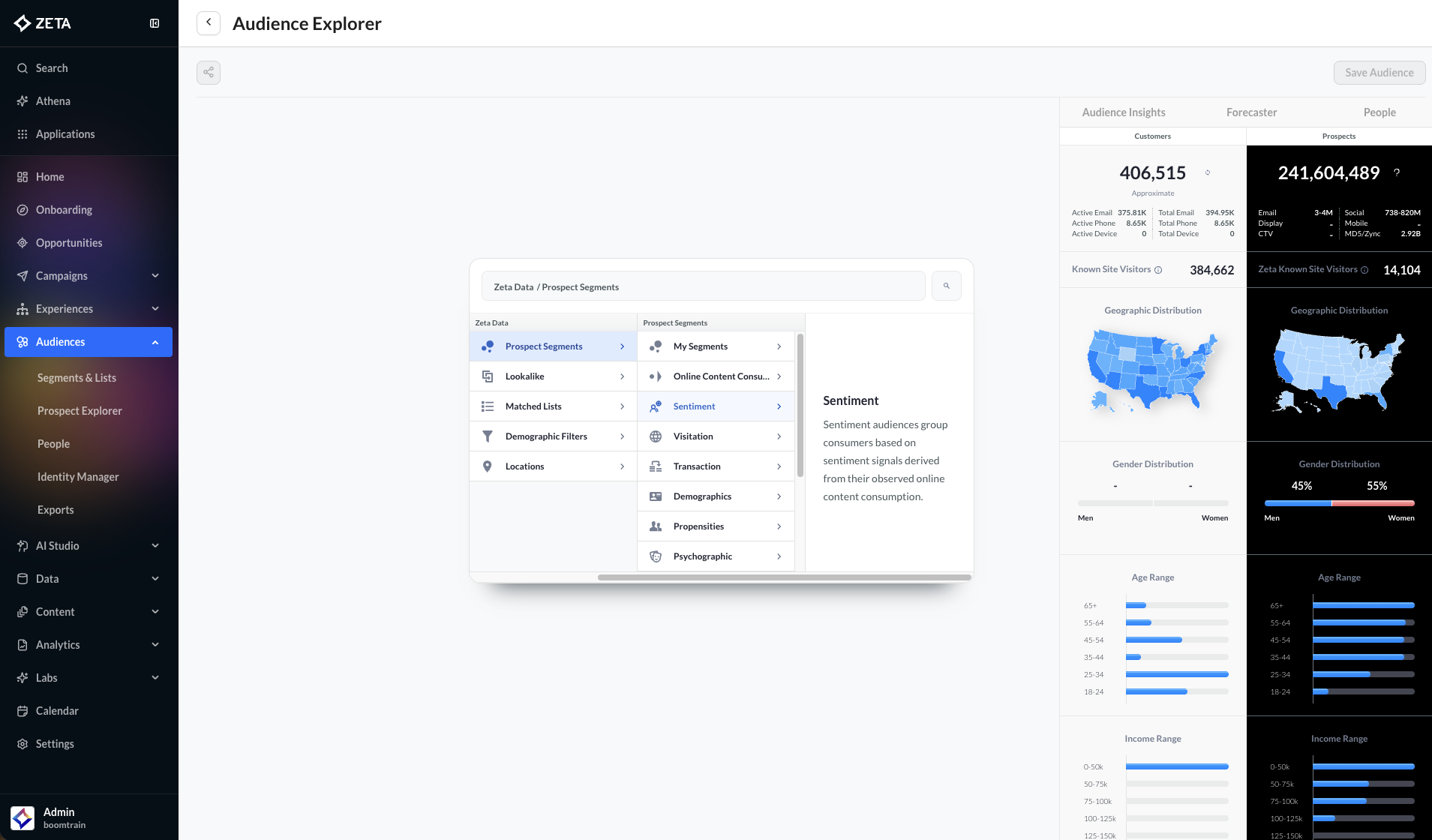
Using Sentiment Audiences
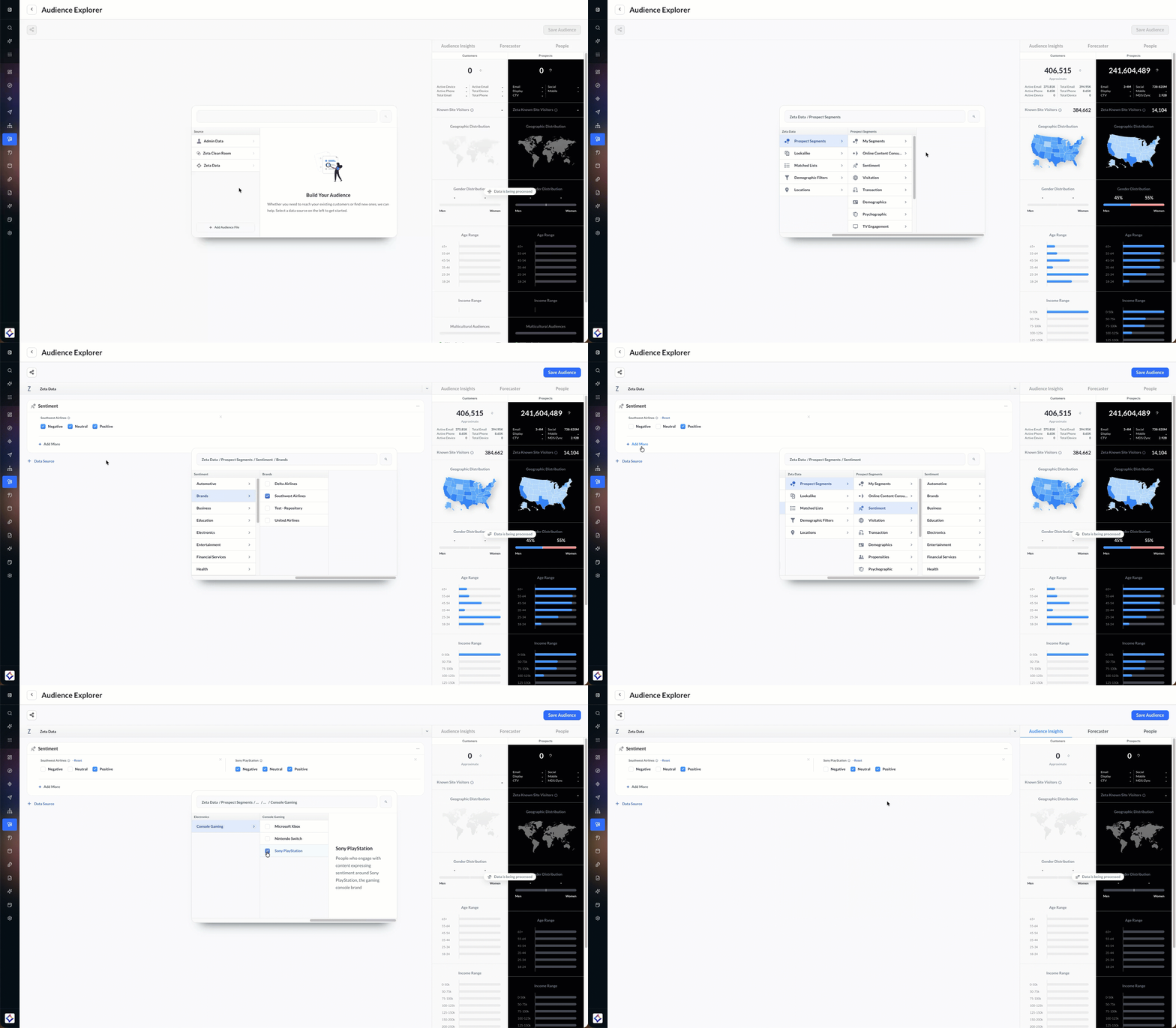
Browse the taxonomy (for example, Samsung under Technology → Technology Companies), and check one or more sentiments.
-
Under Sentiment, each audience shows Negative, Neutral, and Positive.
-
Select the sentiments to include. Clear a checkbox to remove that sentiment.
-
Reset clears every sentiment for that audience. The × removes the audience.
-
Click + Add More to add another audience. Each audience has its own checkboxes.