

Setting Up Redshift
Redshift support: ZMP supports Amazon Redshift Provisioned clusters. ZMP does not currently support Amazon Redshift Serverless.
1. On the new Connection page, select Redshift.
-20260511-165818.gif?cb=61a3c0e6d5dafe1ec0c004704d904864)
2. Once selected, the page will resolve to the Redshift-specific fields
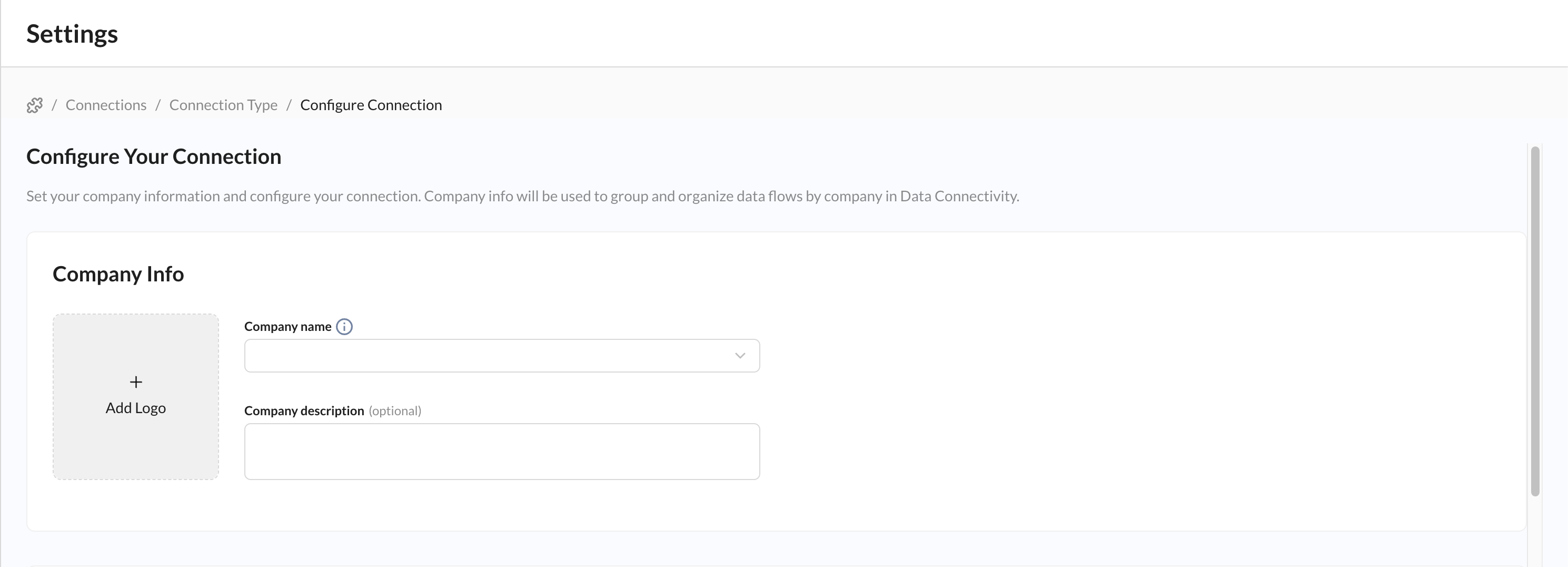
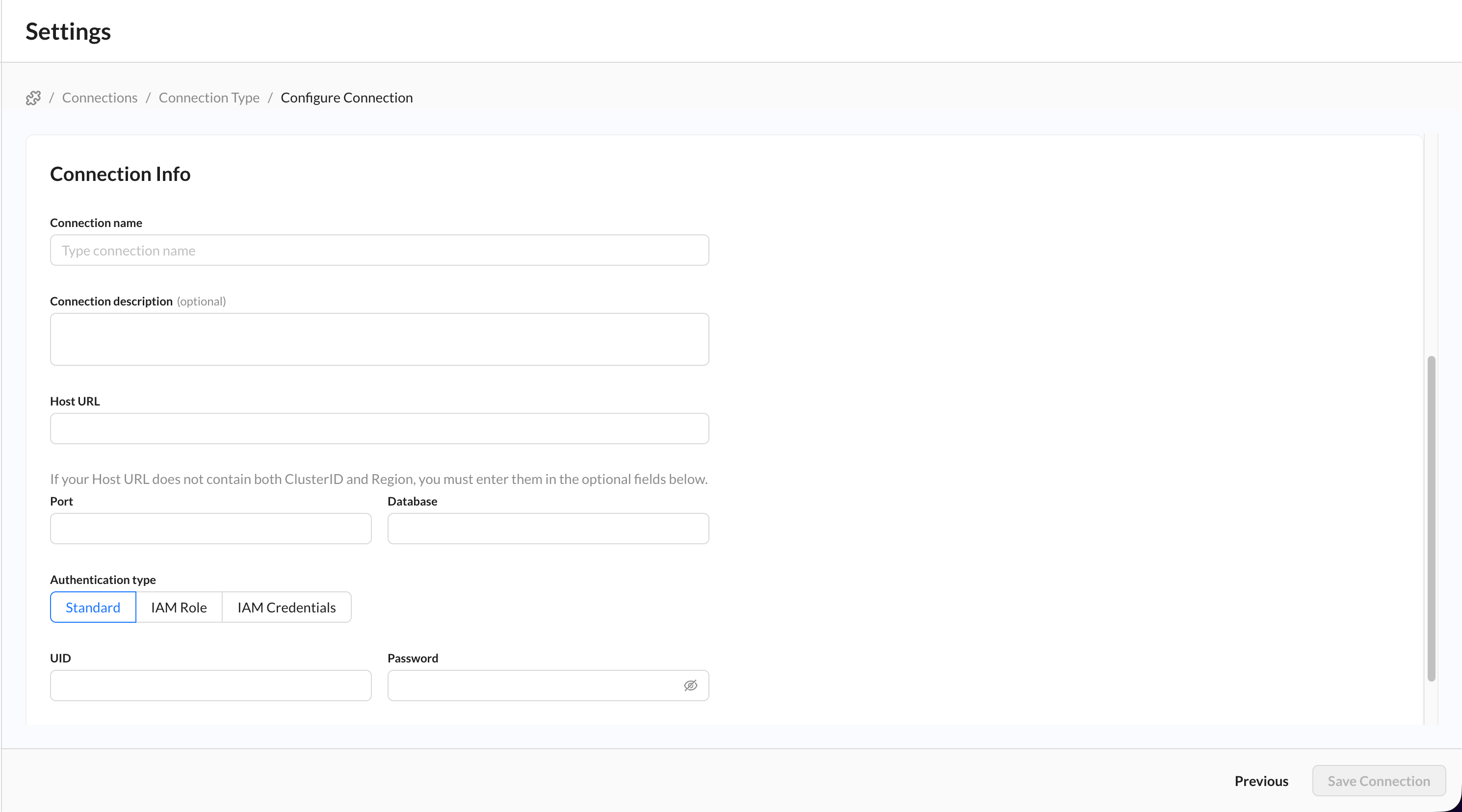
3. Paste your Host URL, Port, and Database into the relevant fields - these are all mandatory.
-
If your host URL does not contain both the ClusterID and the Region fields, you MUST choose IAM Role or IAM Credentials to input those fields.
4. (Optional) Choose your desired Authentication type.
-
As noted above, for the IAM Auth types, you MUST include the ClusterID and Region if they are not derivable from the Host URL you added before.
5. Once you add the relevant fields, click Save to submit your connection for validation and return to the connections page.
Using Redshift After the Connection Is Live
Once your Redshift connection is saved and active, you can use it as a source in Data Flows to query and ingest selected data into ZMP.