
Understanding hidden cues in customer behavior can unlock smarter engagement strategies. The Leading Indicators Report available within the ZMP Opportunity Explorer helps brands analyze first-party data to surface unexpected patterns and behavioral signals that often precede critical outcomes like conversions or churn. By identifying these early indicators, businesses can proactively optimize messaging, reduce attrition, and uncover new opportunities for growth and expansion—right at the moment that matters most.
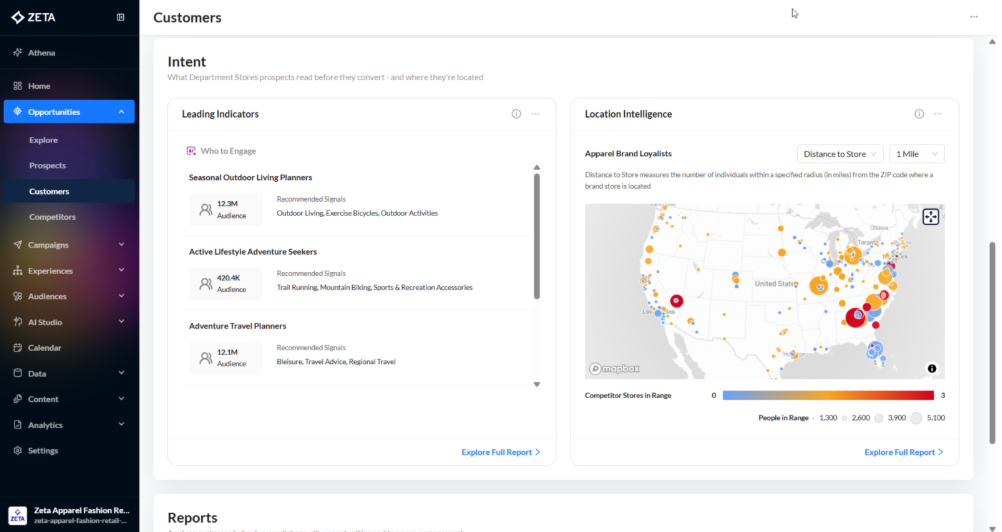
In the Opportunities menu, navigate to Customers, then scroll to the Intent section.
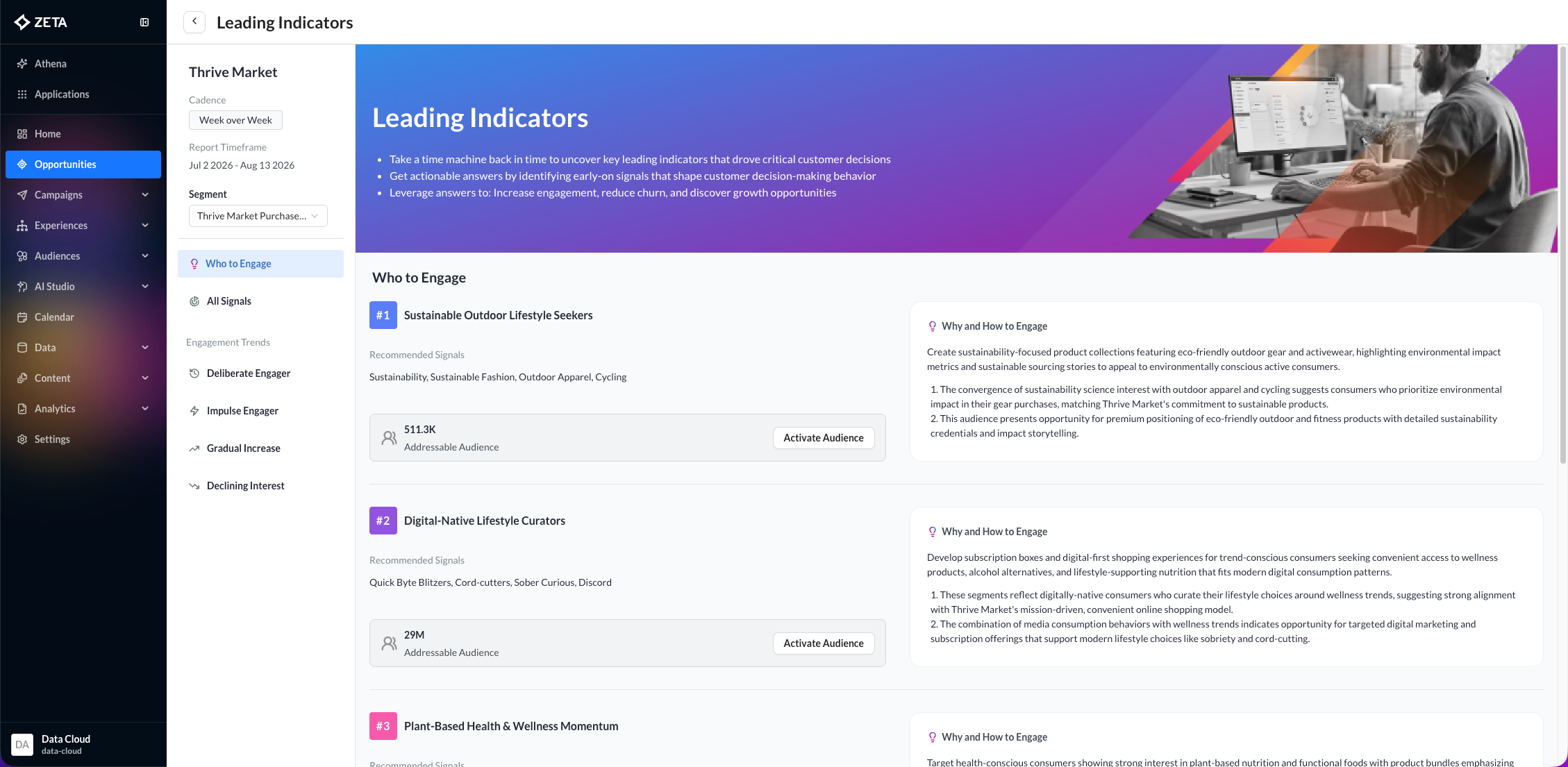
Click on Explore Full Report on the bottom right of the widget to navigate to the tool’s landing page, which provides detailed descriptions of who, why, and how to engage.
You can click on any of the Engagement trends to explore the specific signals driving that behavior.
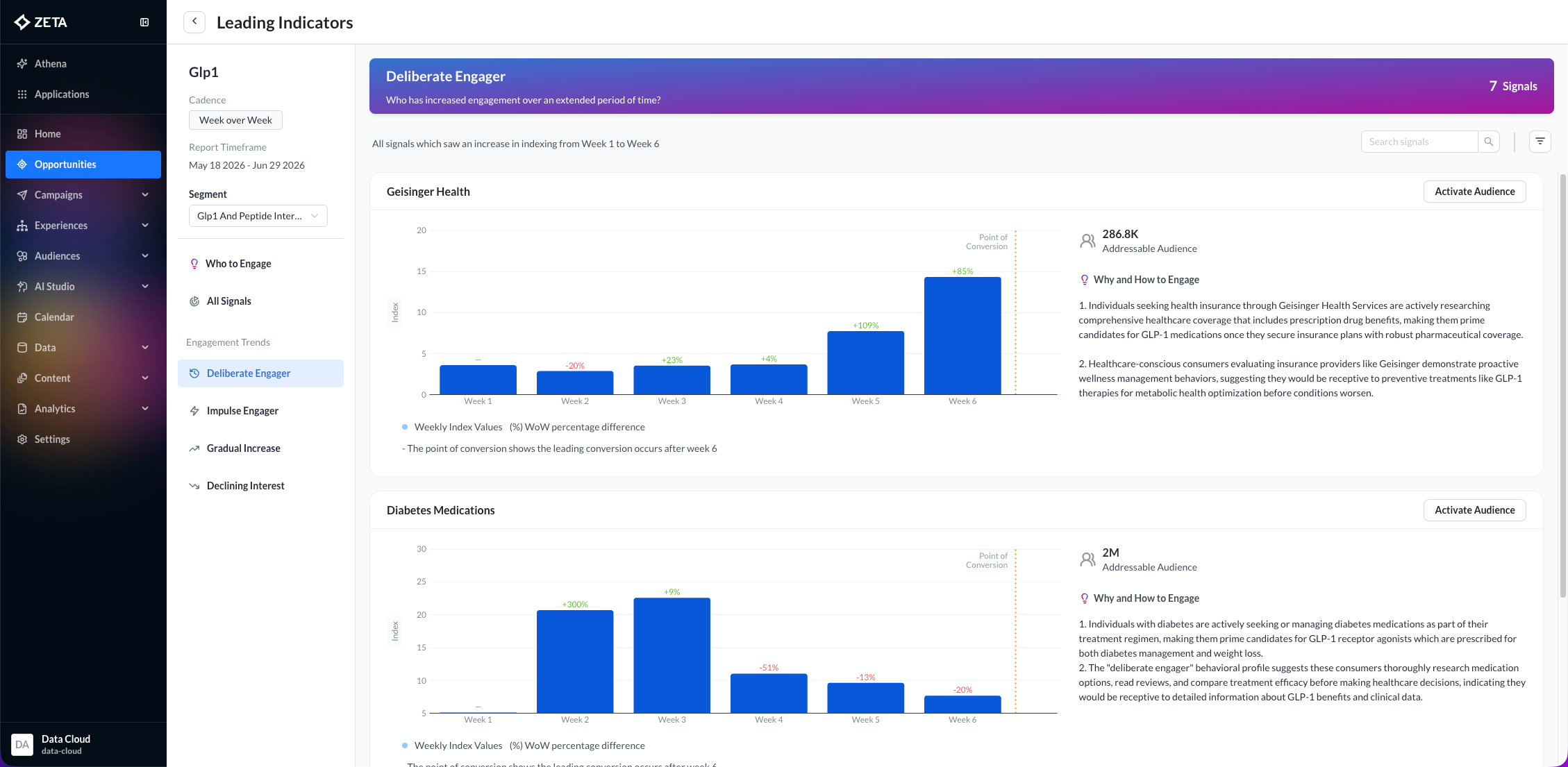
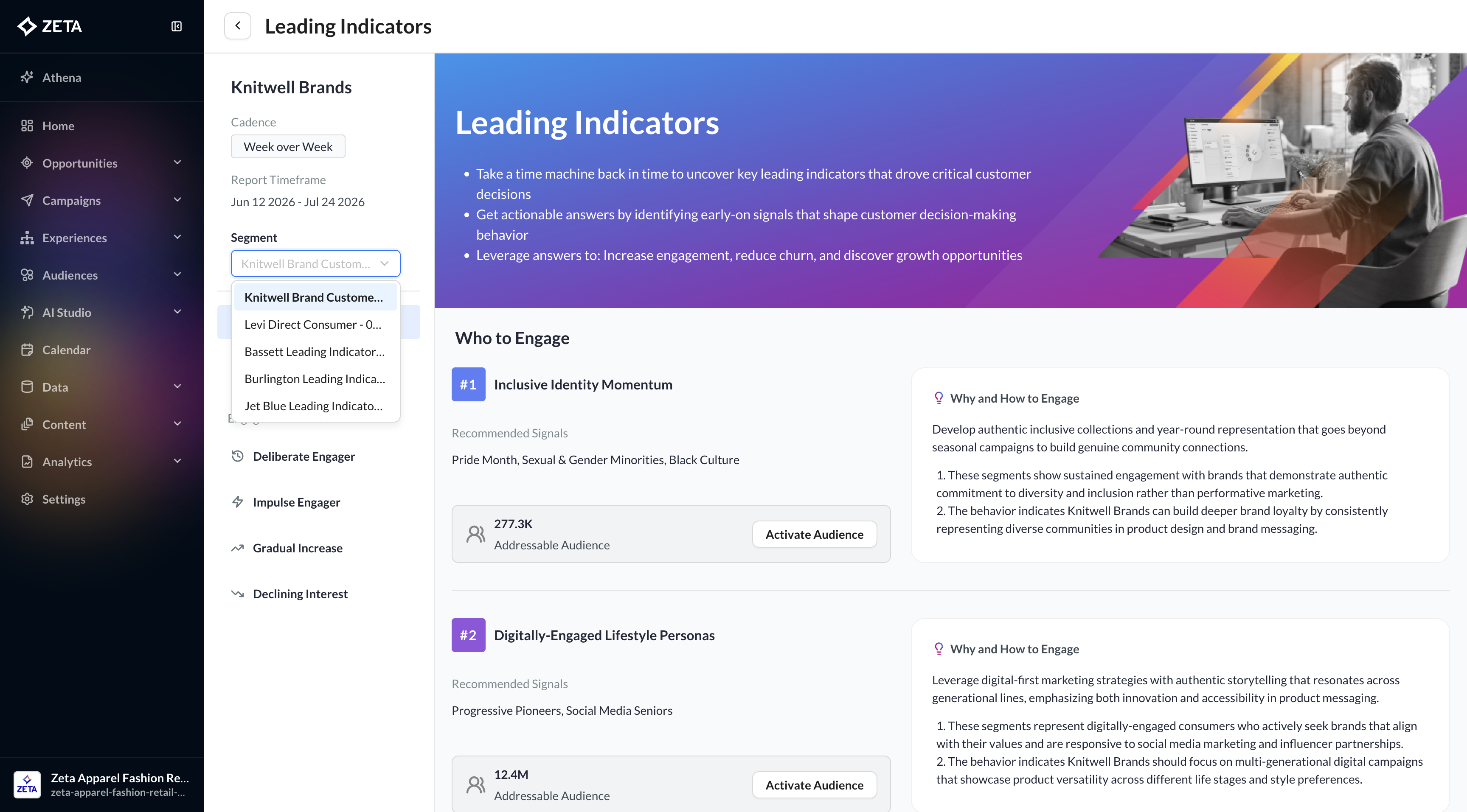
If there are multiple segments in the Leading Indicators report, you can use the Segment dropdown to toggle between them.
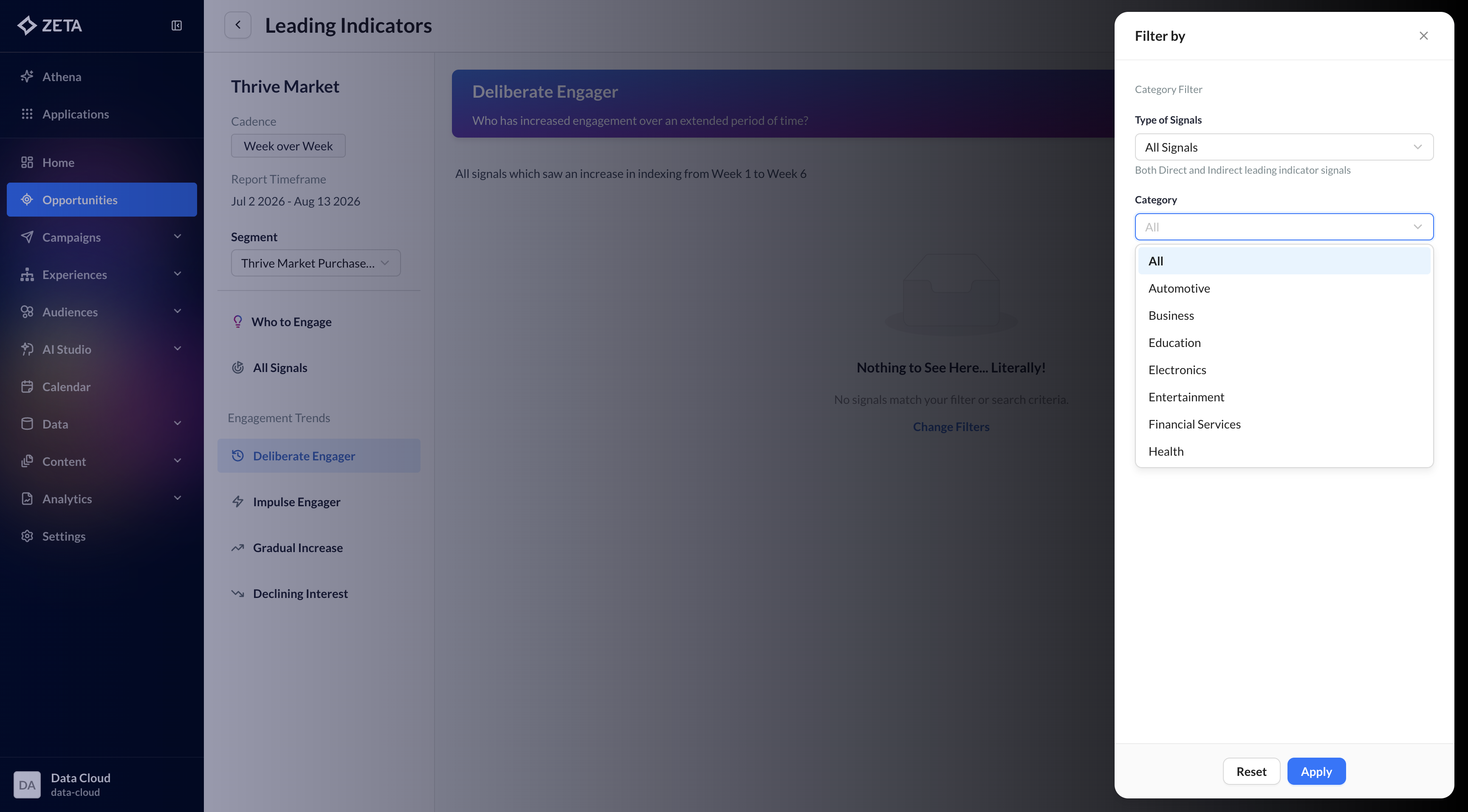
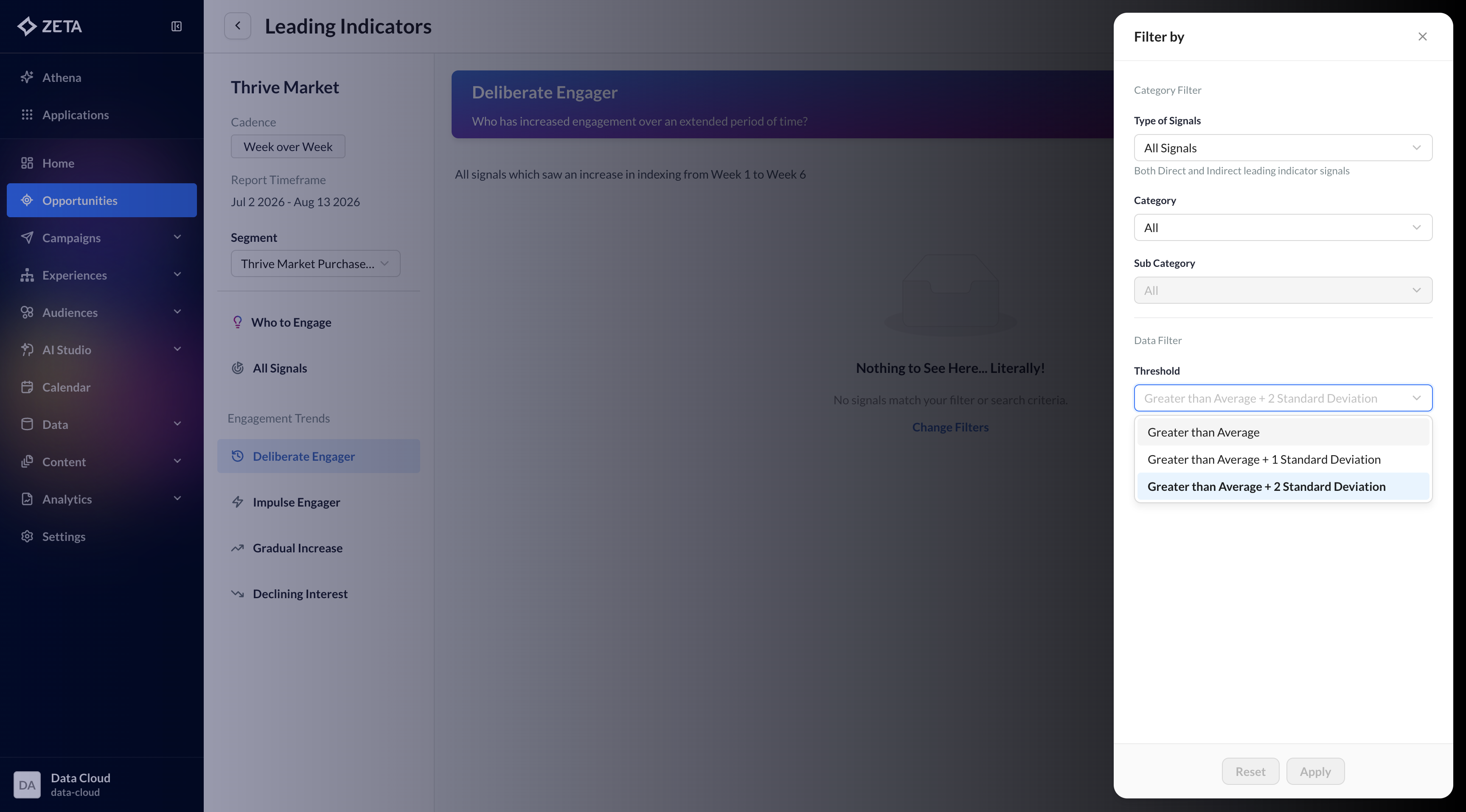
If you don’t see any audience signals listed under the Engagement Trends sections, use the filter next to the Search Signals field to adjust the threshold to Greater than Average or Greater than Average + 1 Standard Deviation. Lowering the threshold will expand the selection criteria, allowing more audience signals to appear in the results.
If you only want to view audience signals from the same industry vertical as the brand for which the report was run, use the Type of Signals filter and select Direct.
Selecting Indirect will display audience signals from industry verticals other than the brand’s own vertical.
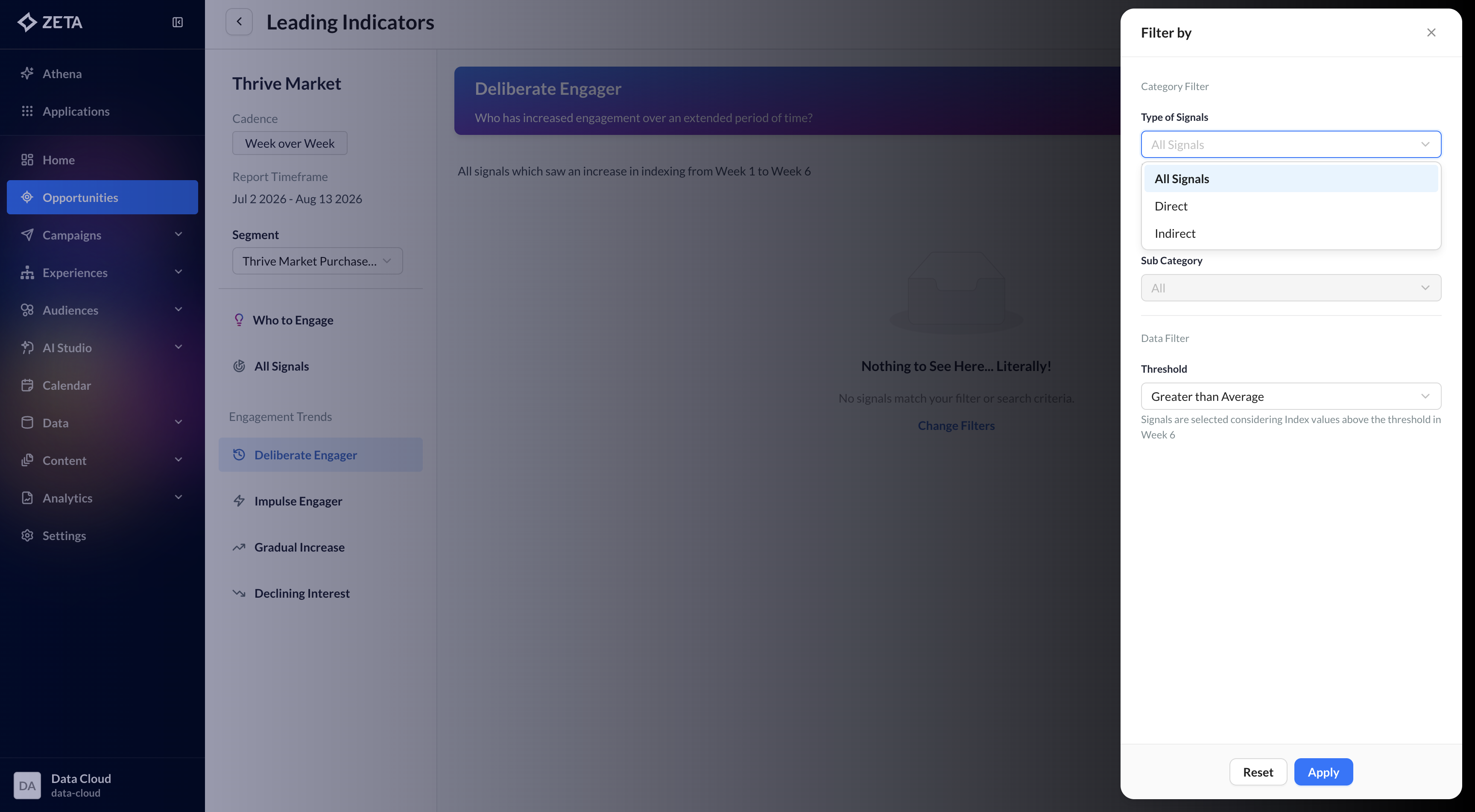
You can further refine the results using the Category and Subcategory filters to surface audience signals that are most relevant to the specific categories or subcategories you’re interested in.